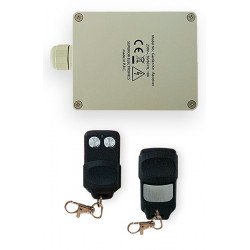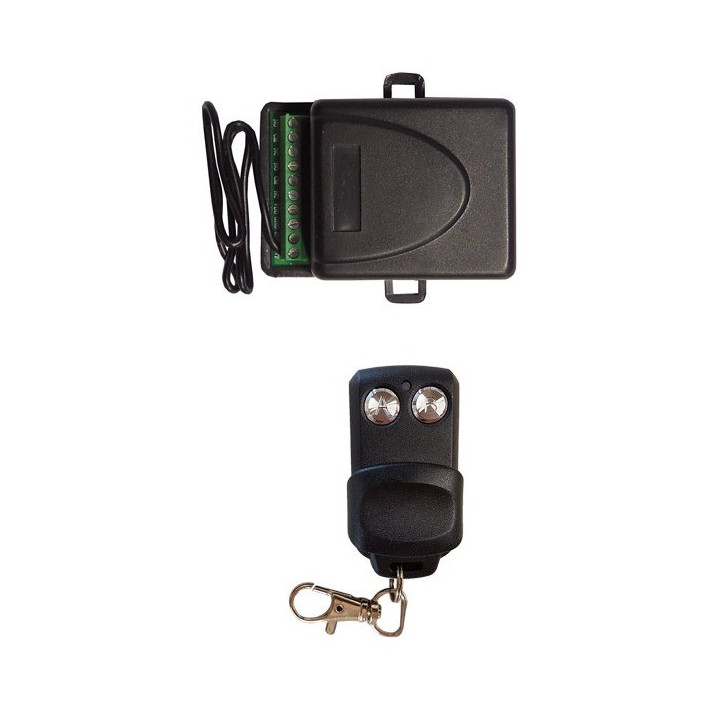

REF : R1CH12V2T
Emplacement : R7E4

Security policy

Delivery policy

Terms of Sales
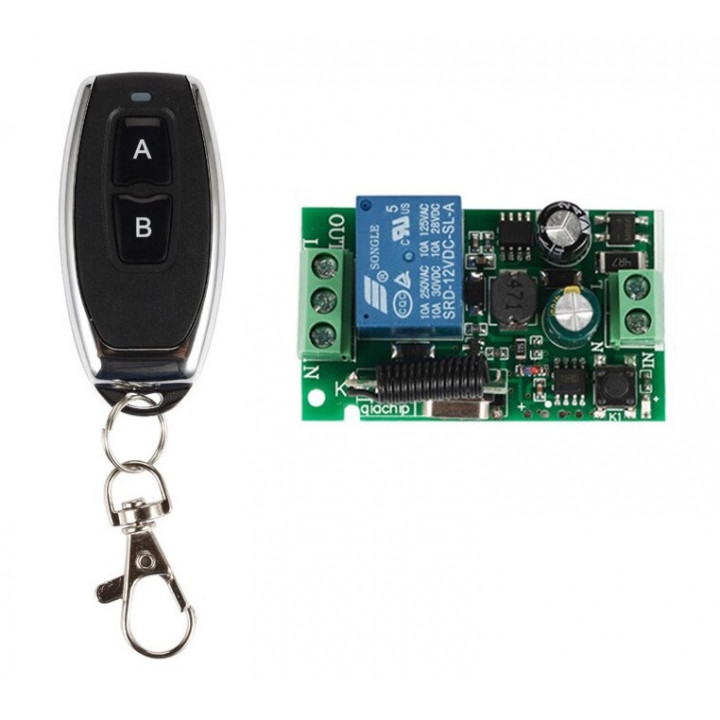
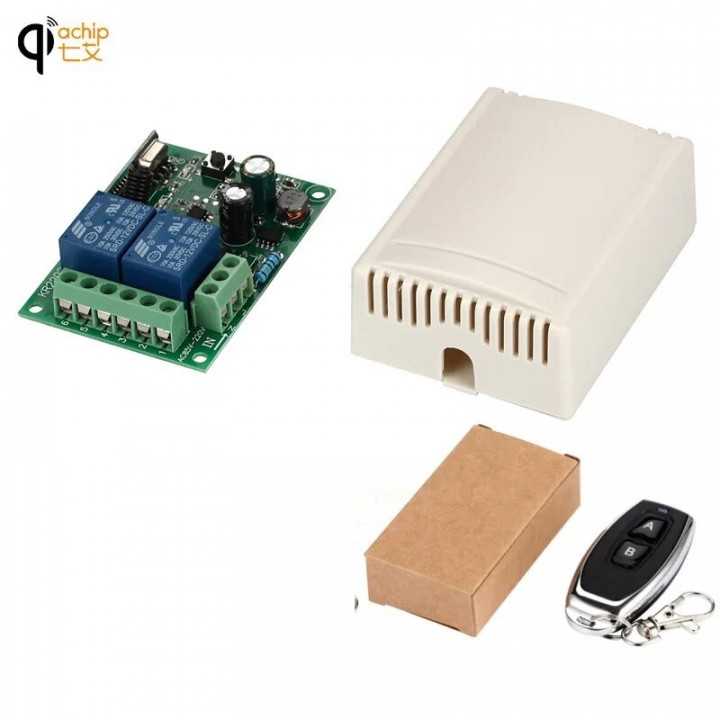
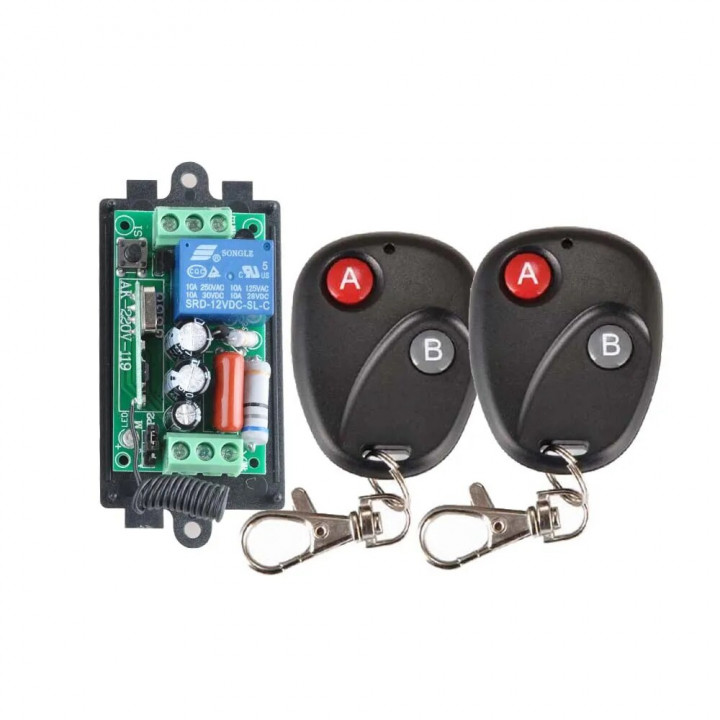
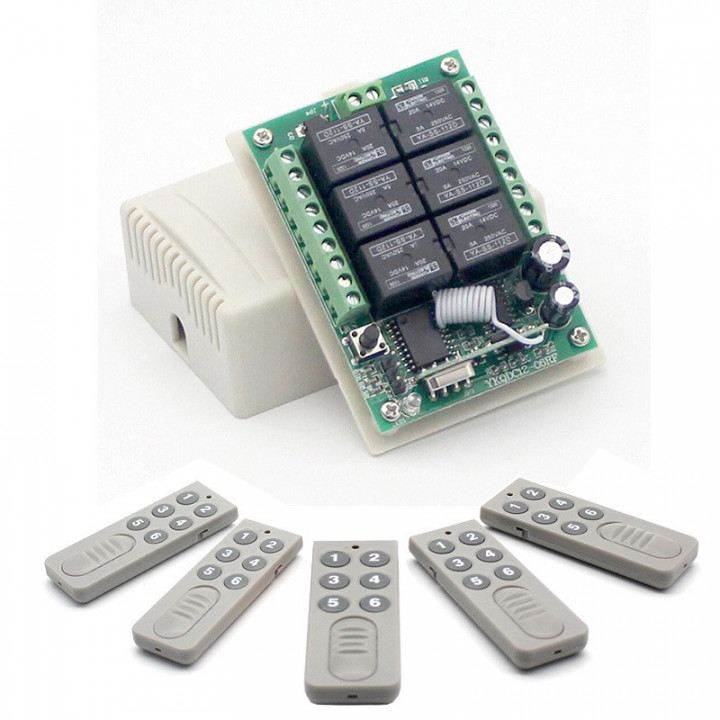
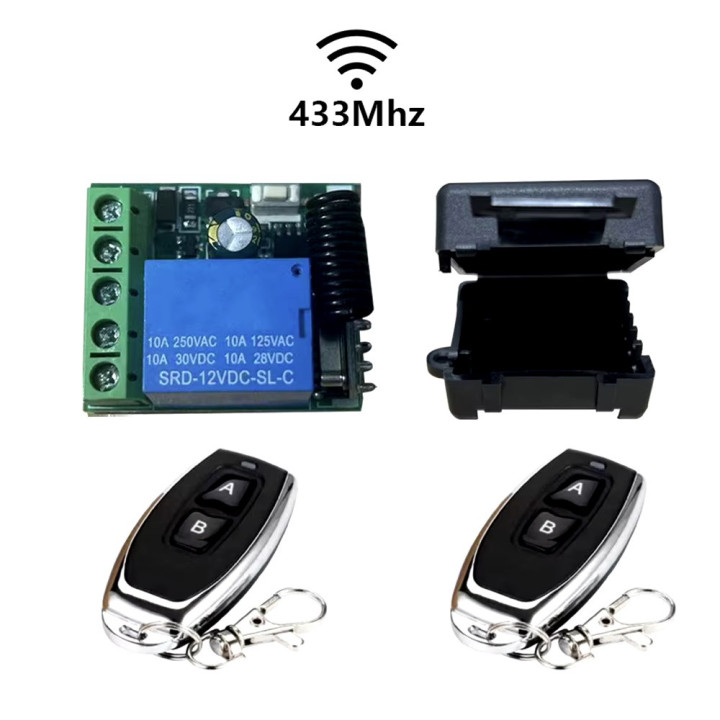
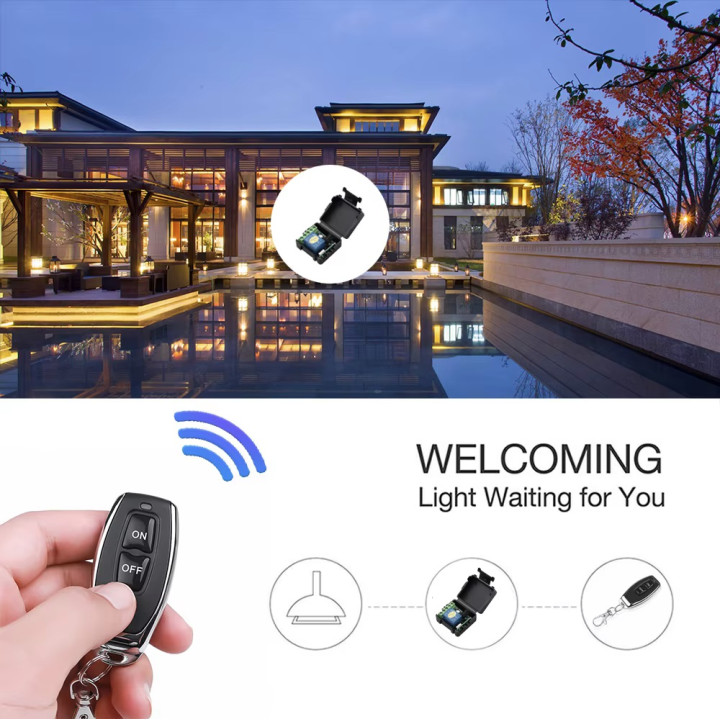
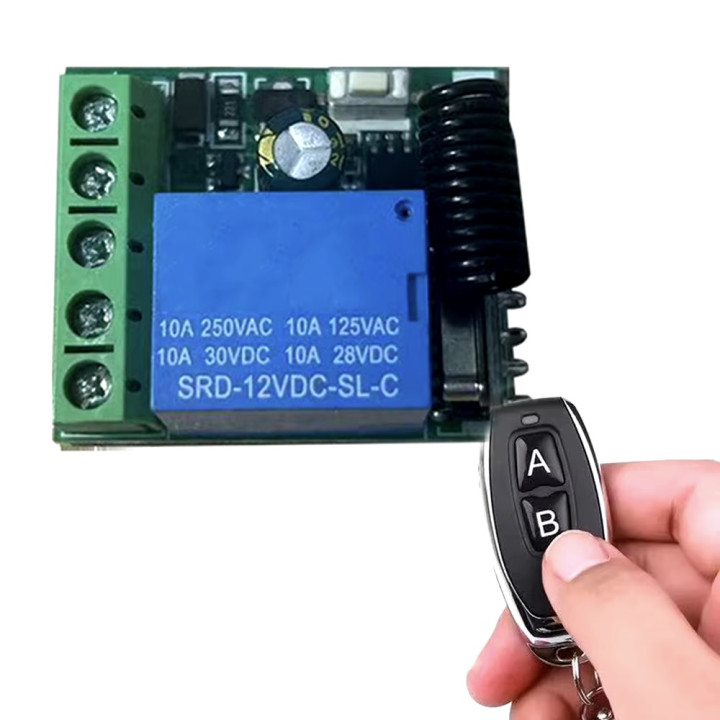
1 Channel 12V Wireless Relay Light Switch System Receiver + 1 Remote Control
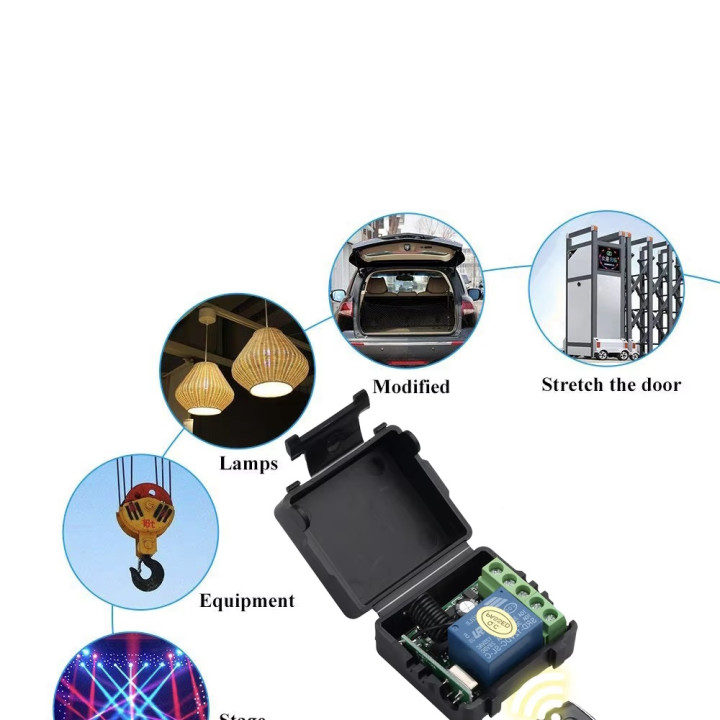
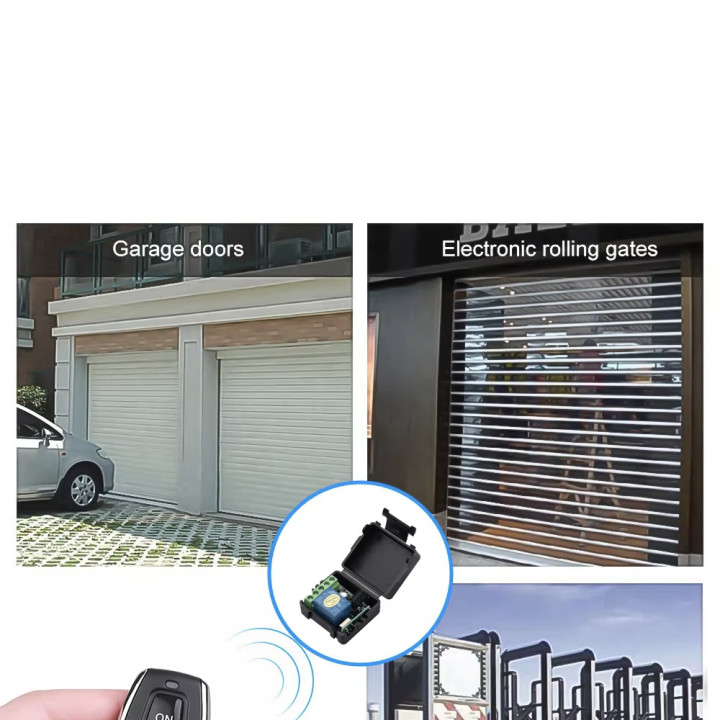
Wireless Remote Control Switch for Electromagnetic Door Lock, Quotes Receiver, 1CH Transmitter, DC 12V, RF, 10A, 433Mhz
Introduction
Input Voltage: 12V, RF Working Mode: Superheterodyne
• Receiver Sensitivity: >97dbm
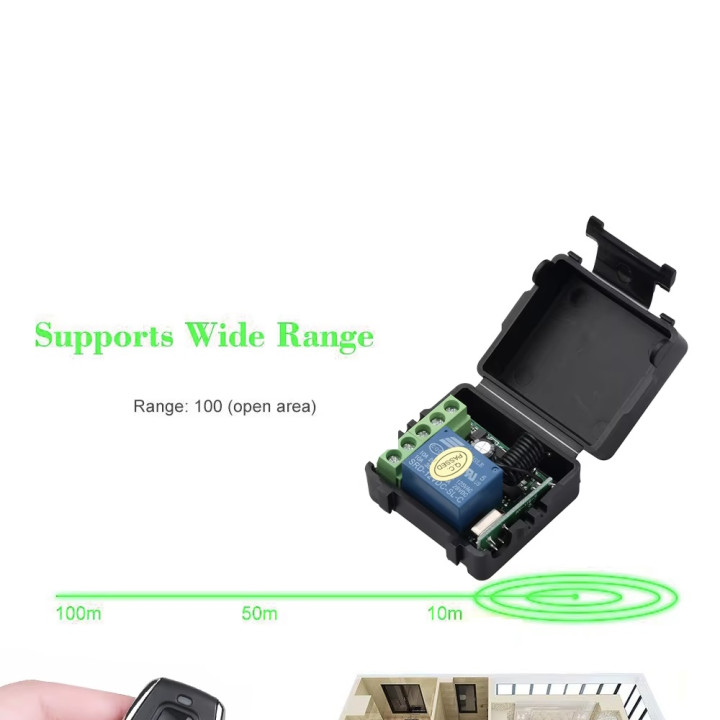
• Transmission Distance: >100m (Open Space)
• Decoding Mode: MCU Software Decoding
• Remote Storage: 20
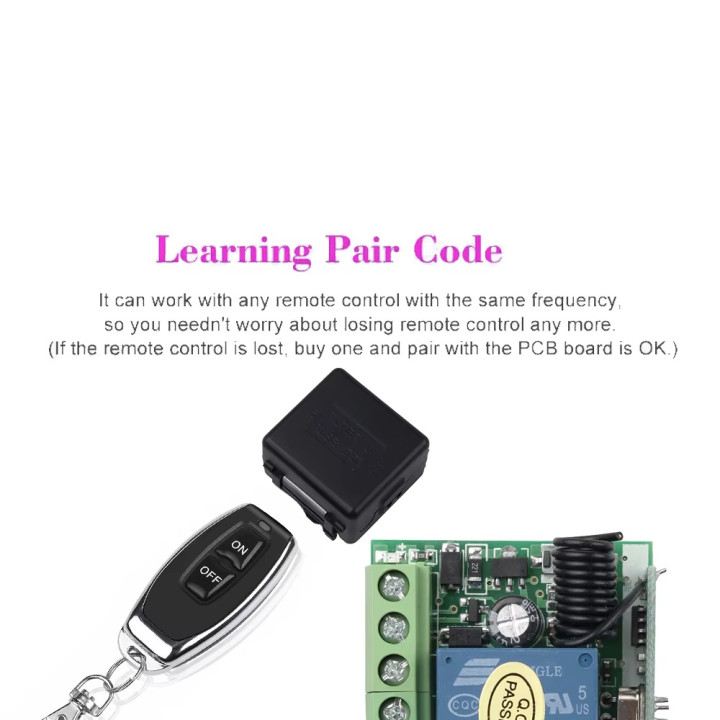
• Support Remote Type: EV1527 Learning Code
• Working Mode: Momentary, Toggle, Latching Delay(5s ,10s ,15s)
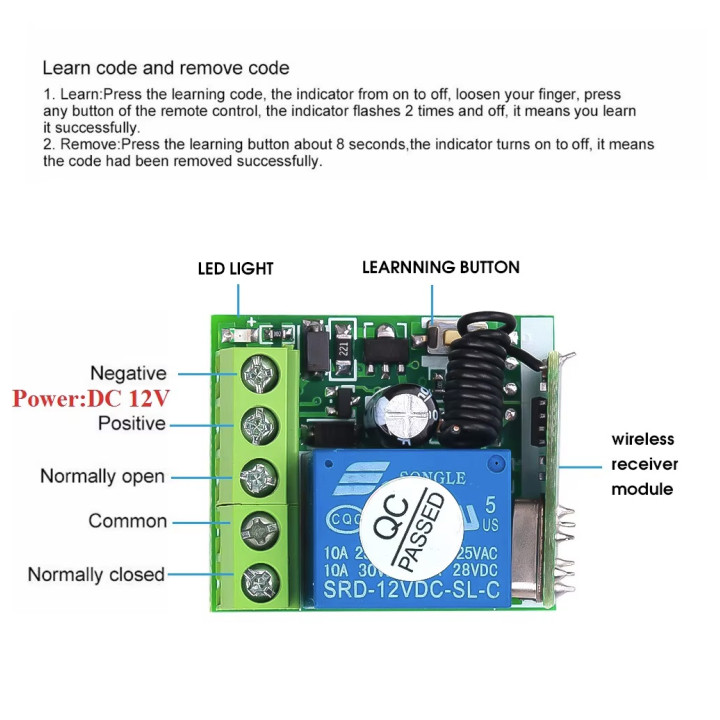
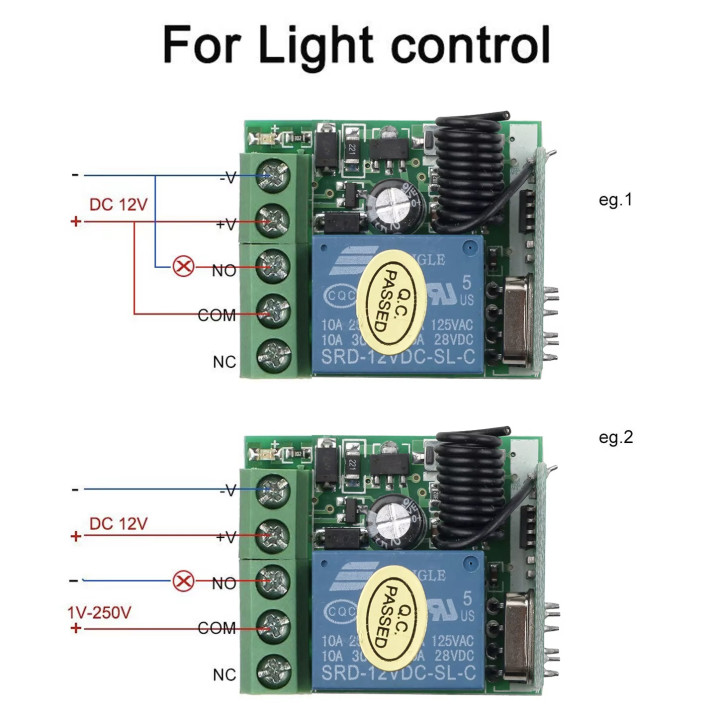
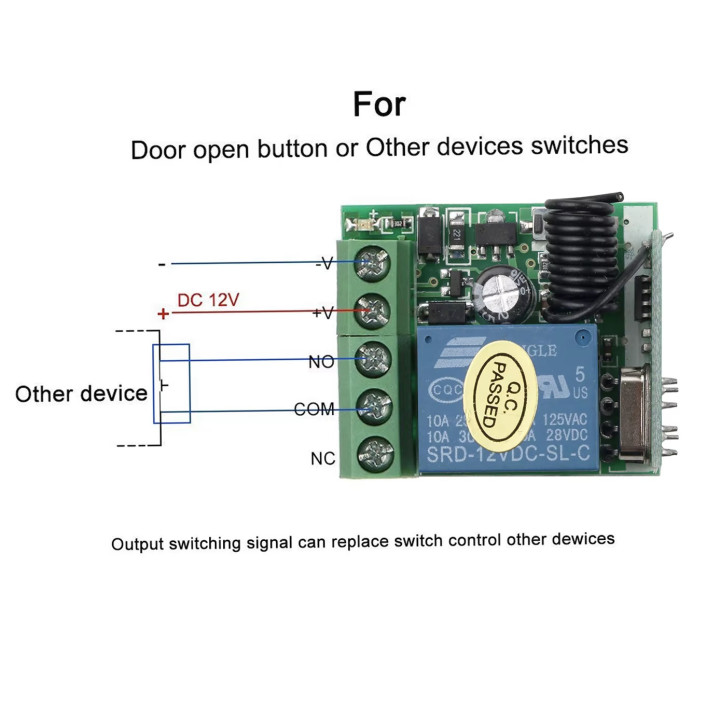
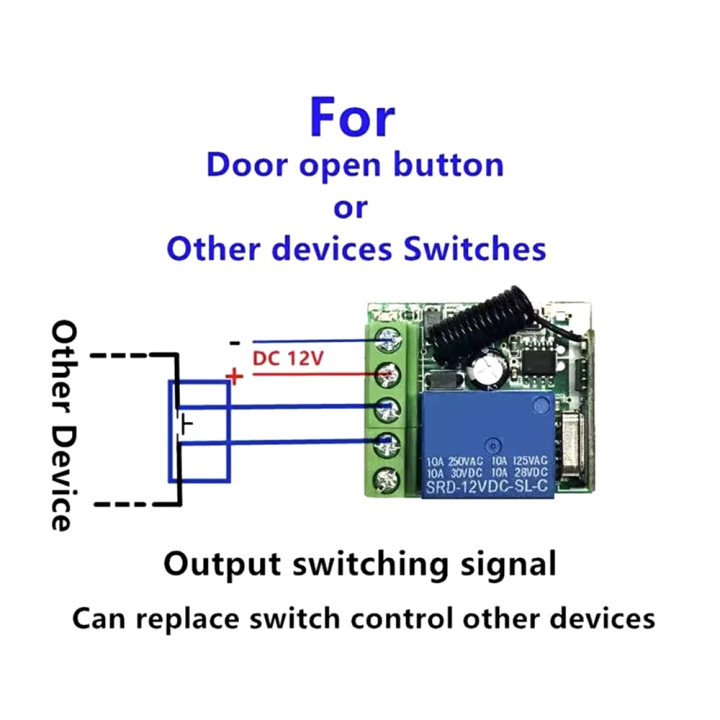
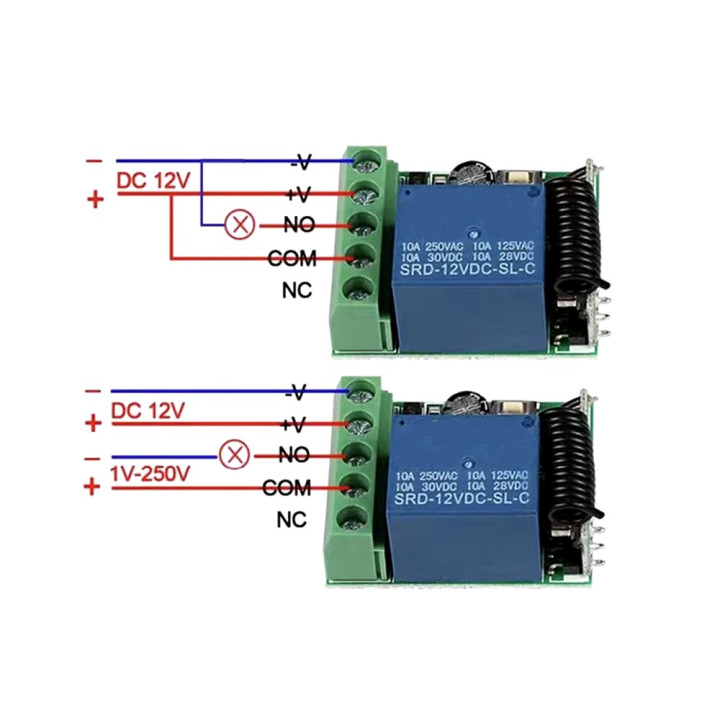
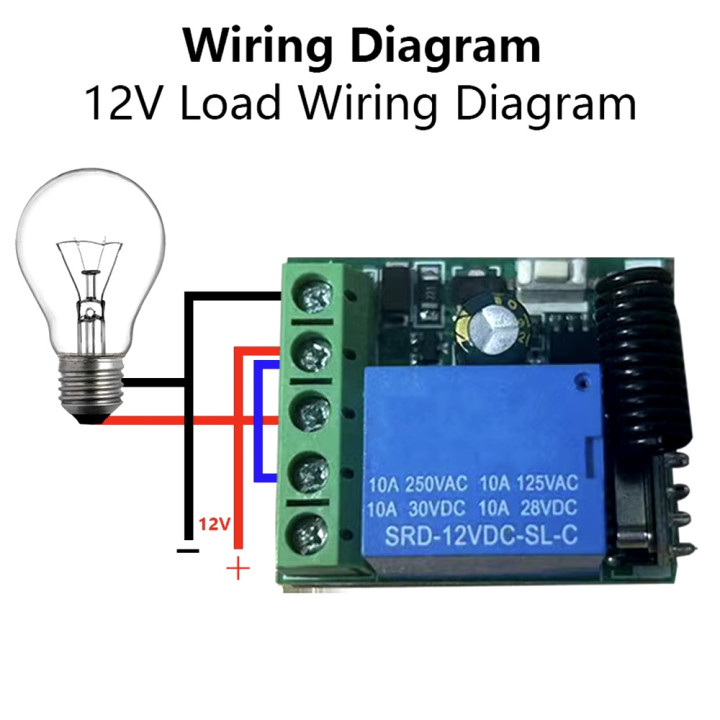
• Output Terminal: NO , NC , COM
• Remote Control Battery: 2 x 3V CR2016 Button Cells
Note: The maximum input power is 250V
Remote programming
Working mode:
1. Inching mode: press the remote control to make the relay connect, then release the remote control to disconnect the relay;
2. Self-locking mode: press the remote control to connect the relay, then press the remote control again to disconnect the relay;
3. Interlocking mode: press the remote control key A to connect the relay, and press the remote control key B to disconnect the relay.
4. Delay mode: press the remote control to make the relay connect, release the remote control and start timing. After 5S, 10S and 15S (3 gears), the relay will be automatically closed.
Learning methods:
1. Inching learning method:
Press the code pairing button on the control panel once, and the LED indicator will flash once. After the LED indicator is on, press the button you need to pair on the remote control, the LED indicator on the control panel will flash 3 times, which means the pairing is successful.
2. Self-locking learning method:
Press the code pairing button on the control panel twice, and the LED indicator will flash twice. After the LED indicator is on, press the button you need to pair on the remote control, the LED indicator on the control panel will flash 3 times, which means the pairing is successful.
3. Mutual interlocking learning method:
Press the code pairing button on the control panel three times, and the LED indicator will flash three times. After the LED indicator is on, press the button you need to pair on the remote control, the LED indicator on the control panel will flash 3 times, which means the pairing is successful.
4. 5S delay learning method:
Press the code pairing button on the control panel four times, and the LED indicator will flash four times. After the LED indicator is on, press the button you need to pair on the remote control, the LED indicator on the control panel will flash 3 times, which means the pairing is successful.
5. 10S delay learning method:
Press the code pairing button on the control panel five times, and the LED indicator will flash five times. After the LED indicator is on, press the button you need to pair on the remote control, the LED indicator on the control panel will flash 3 times, which means the pairing is successful.
6. 15S delay learning method:
Press the code pairing button on the control panel six times, and the LED indicator will flash six times. After the LED indicator on, press the button you need to pair on the remote control, the LED indicator on the control panel will flash 3 times, which means the pairing is successful.
-Clear the code:
Press the learning button on the receiver 8 times, the codes will be reset.
After clearing the code, the remote controls will need to be recalibrated
Package Including
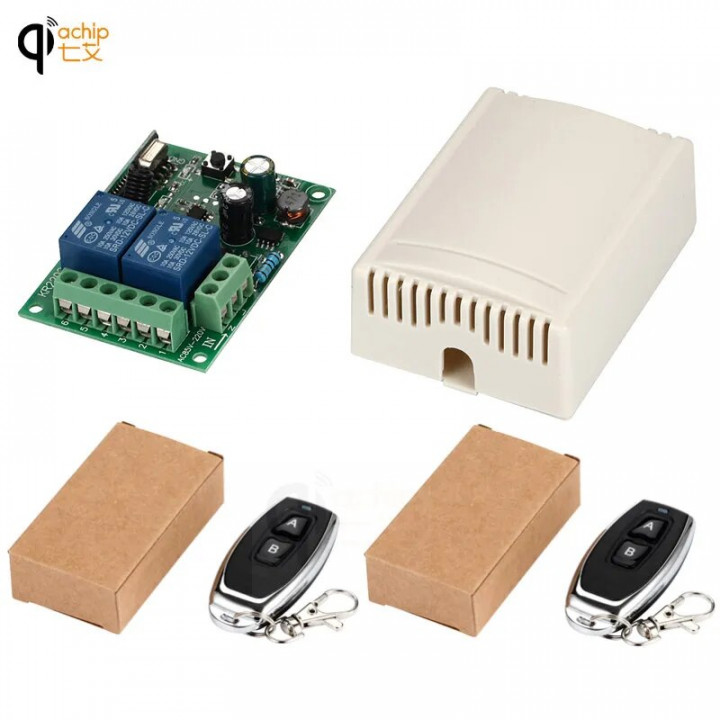
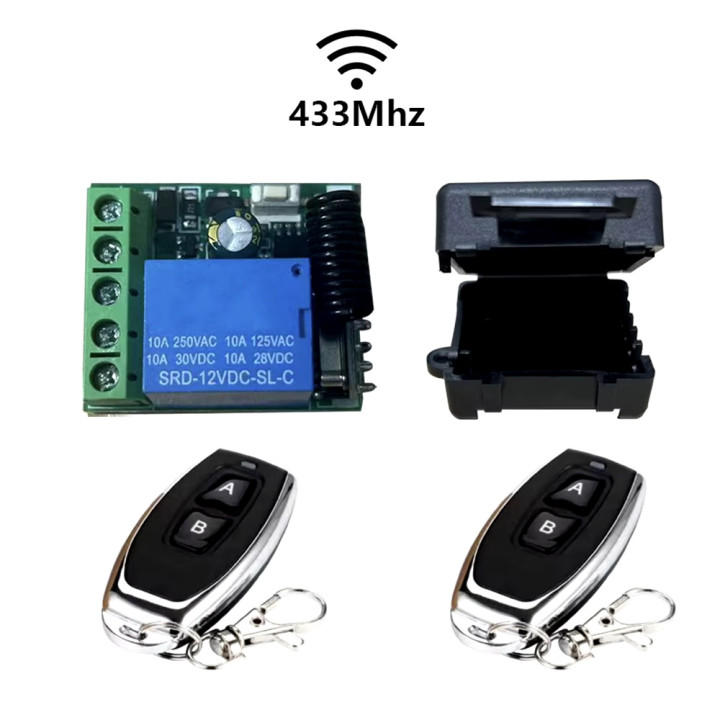
1 * Receiver Module
1 * Remote Control (with battery)