
REF : TUYACYLP
Emplacement : R3F1

Security policy

Delivery policy

Terms of Sales
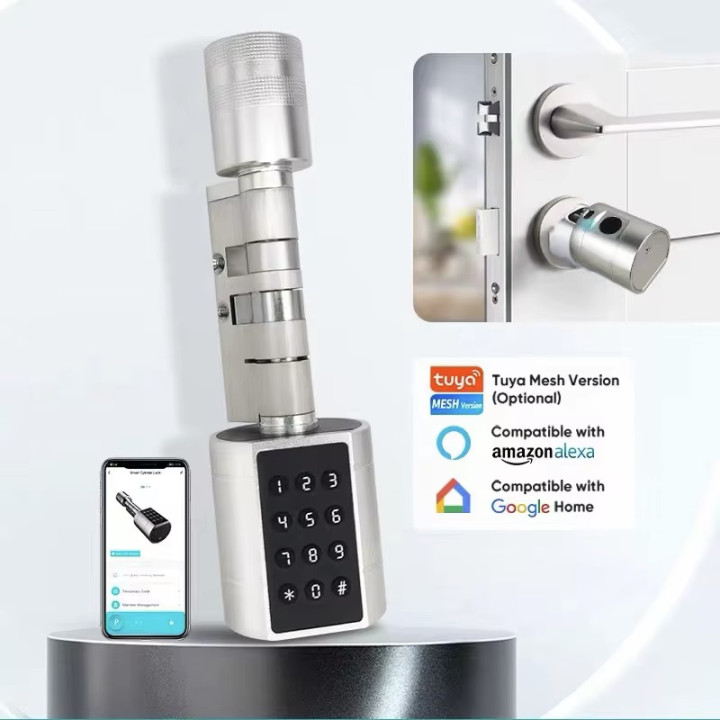
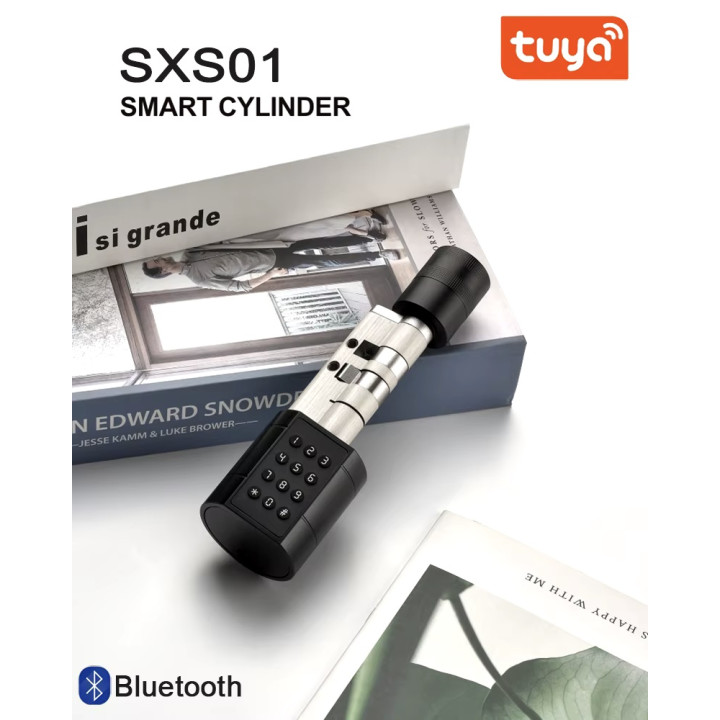
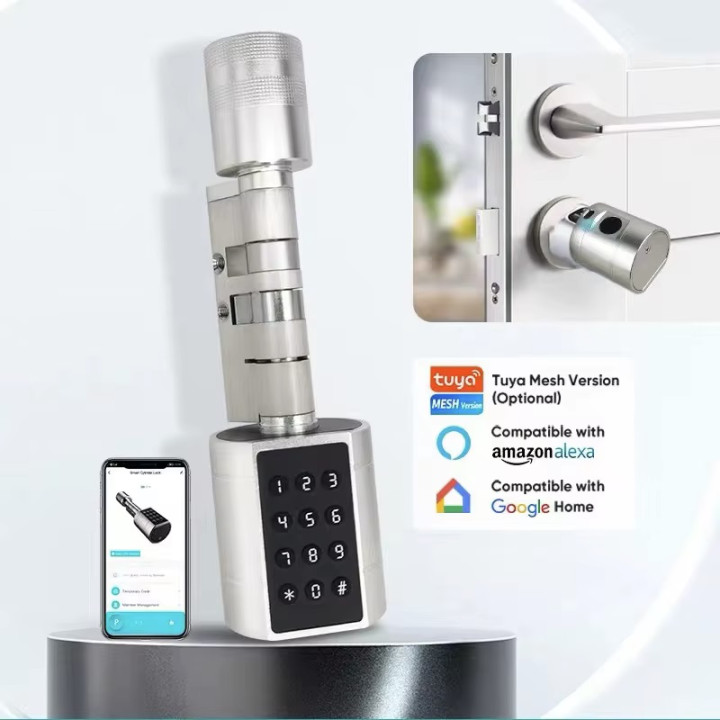
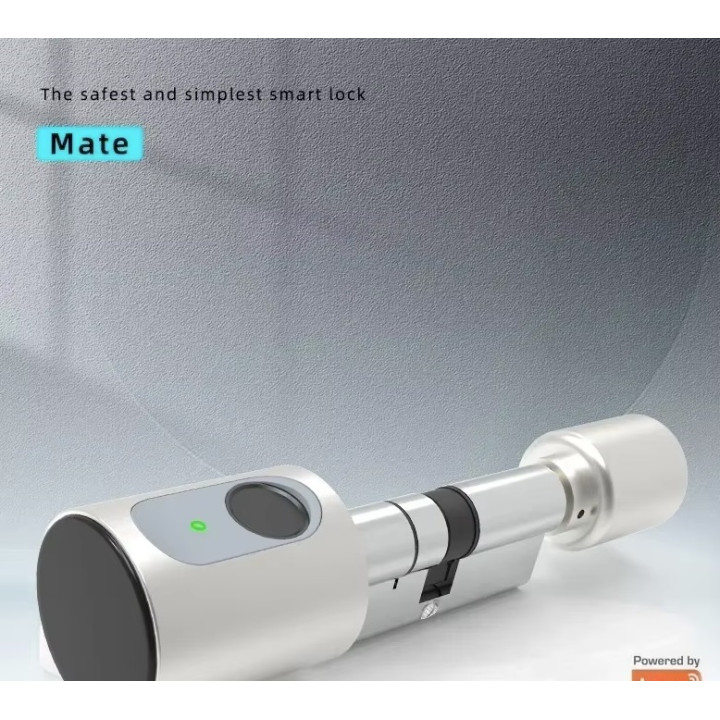
Smart Door Lock Gray Cylinder Tuya Wifi Bluetooth Fingerprint 2 Tags 13.56mhz
Keyless Smart Interval Lock with Tuya Smartlife App, RFID, NDavid, IC Card, Pin Code, Fingerprint Mechanical Key Unlock, Support Gateway
Keyless Smart Cylinder Lock with Tuya Smartlife App RFID NFC IC Card / Fingerprint Mechanical Key Unlock support Gateway
Features
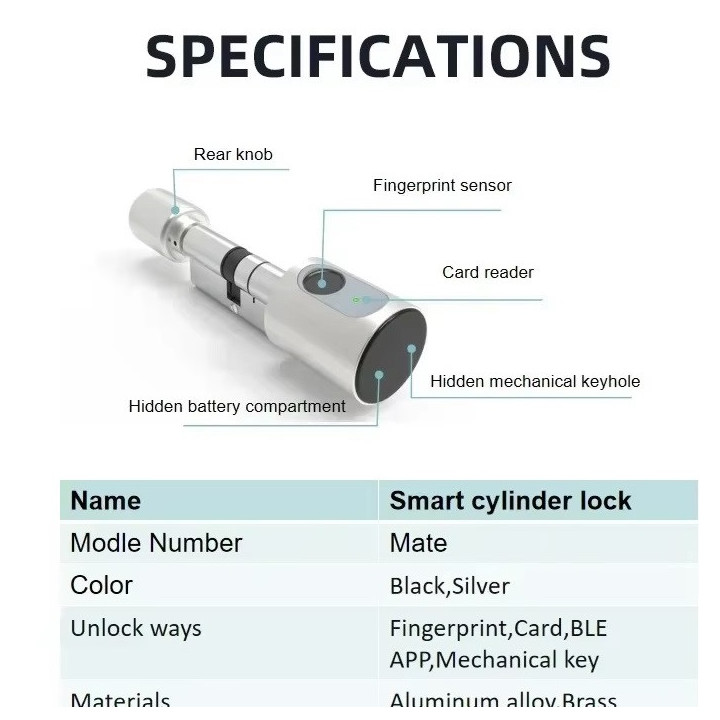
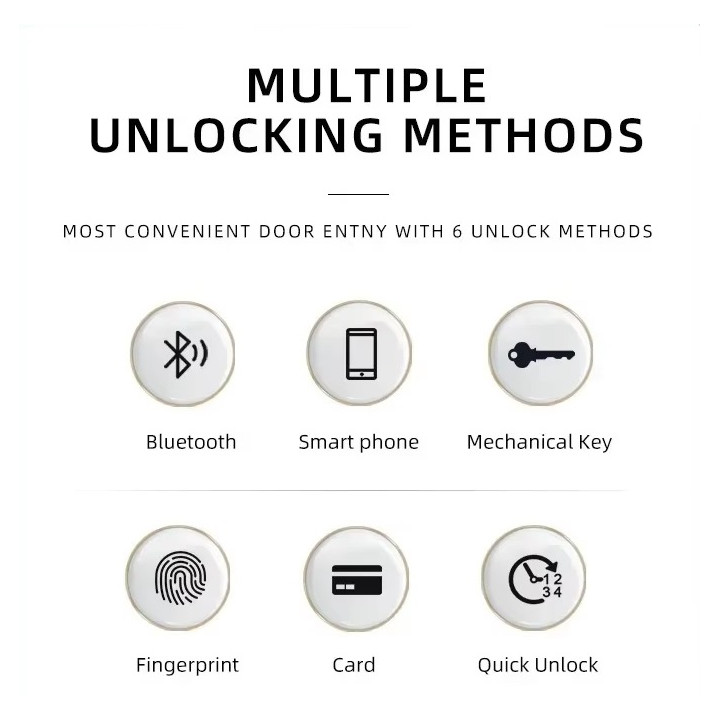
Multiple Unlocking Methods
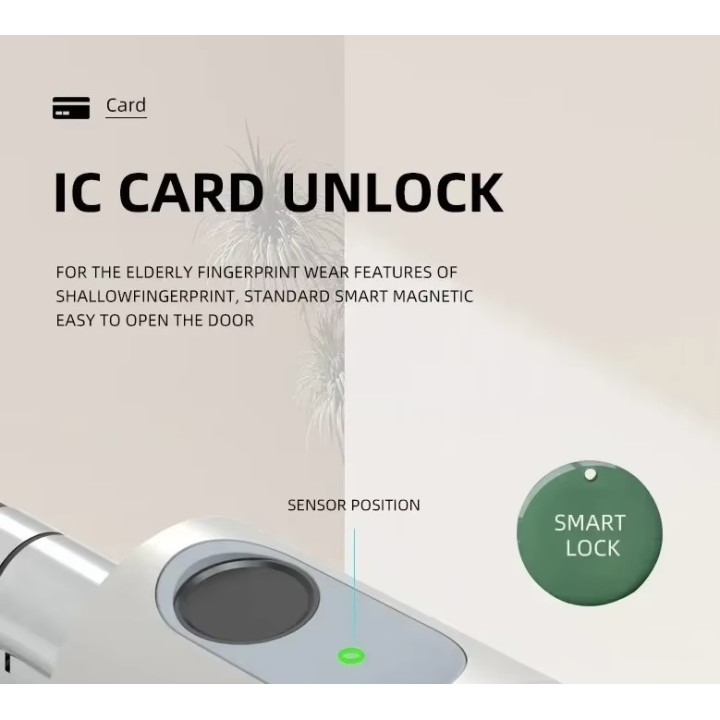
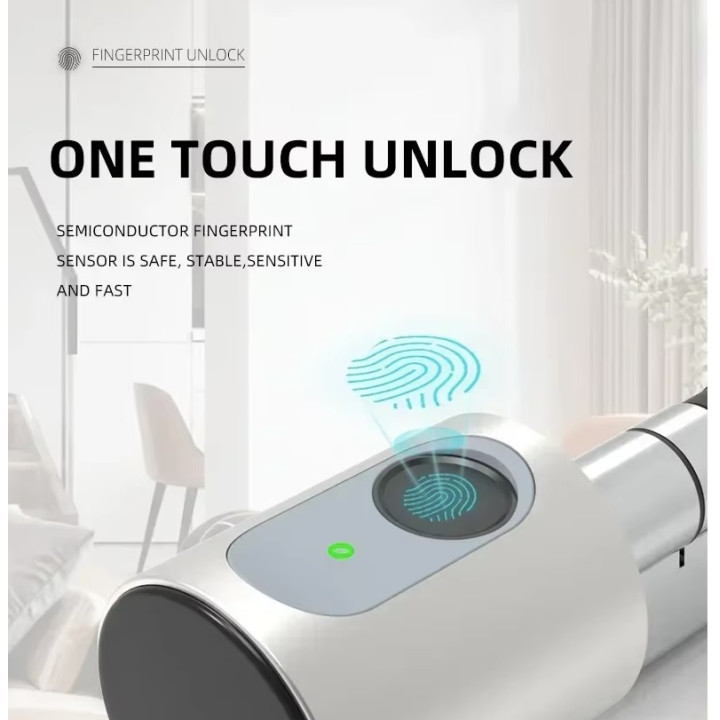
Tuya App, Fingerprint, Card, Mechanical Key, Easy to Use, Whether for Children or Elderly. Keyless: Never worry about forgetting to bring the key.
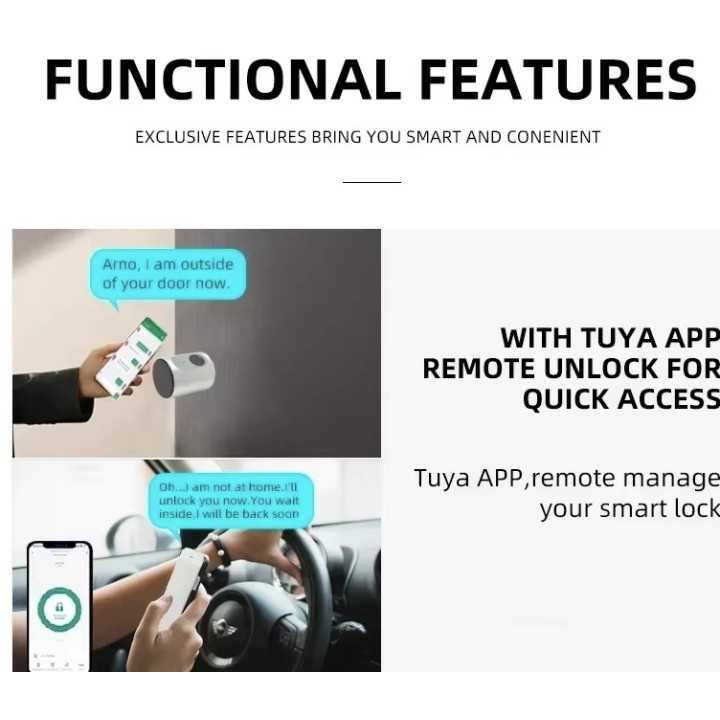
APP Remote Control
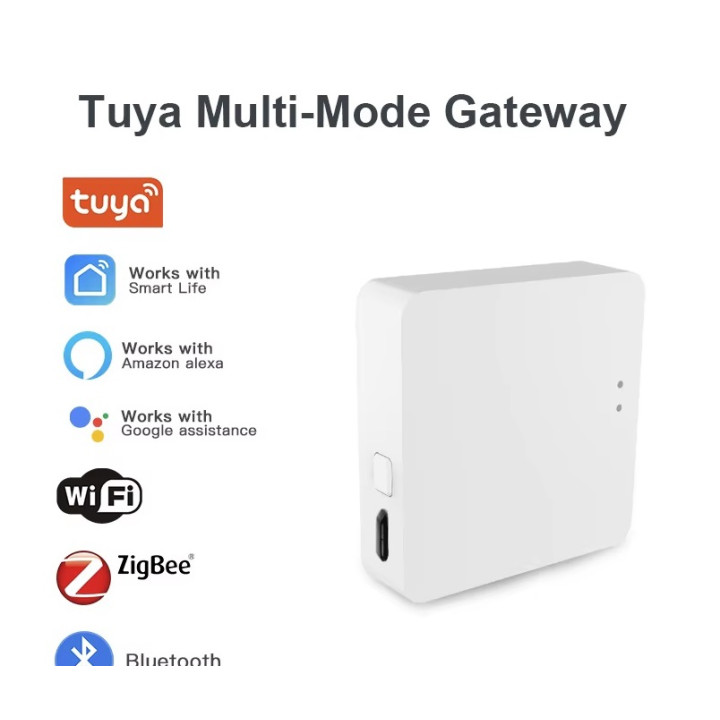
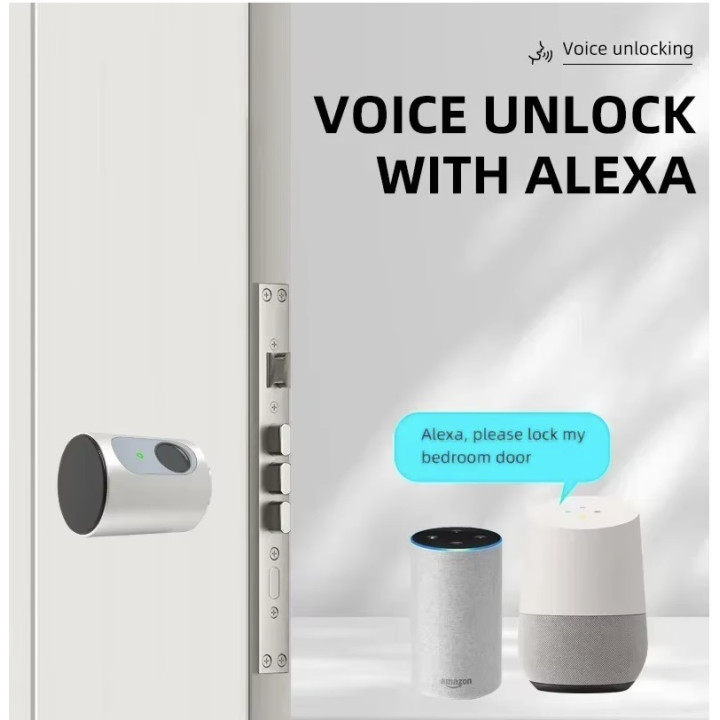
This keyless entry door lock allows you to check visitor records on Tuya App, see which visitor at what time unlocked the door, improve the security level of your home. When the door lock and gateway are used together, the APP can be used to remotely control the unlocking.
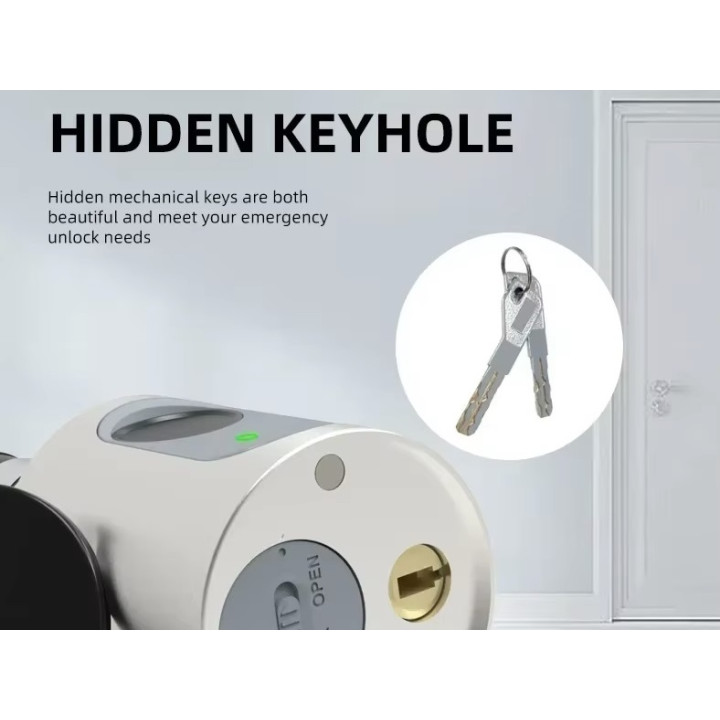
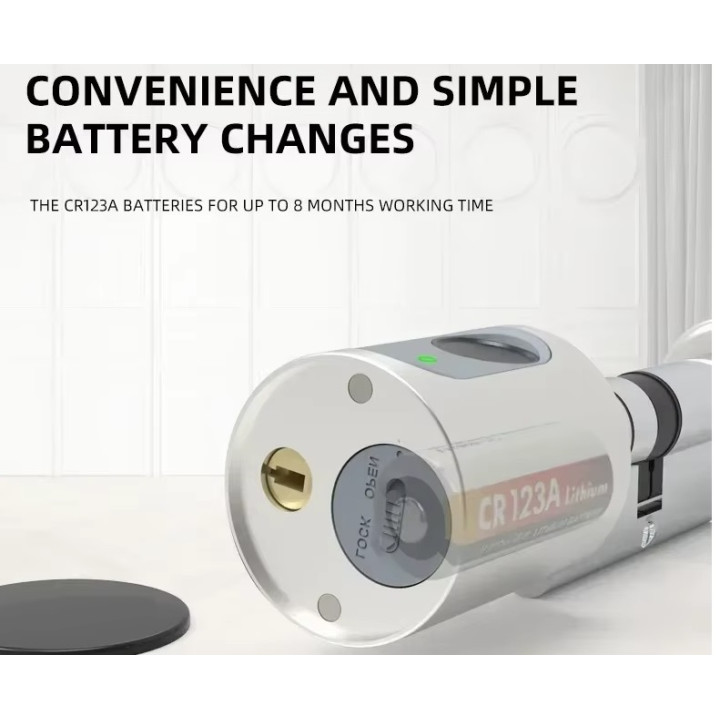
Mechanical keys and emergency power supply (USB) can be used when the door lock is out of power
Easy to install and use
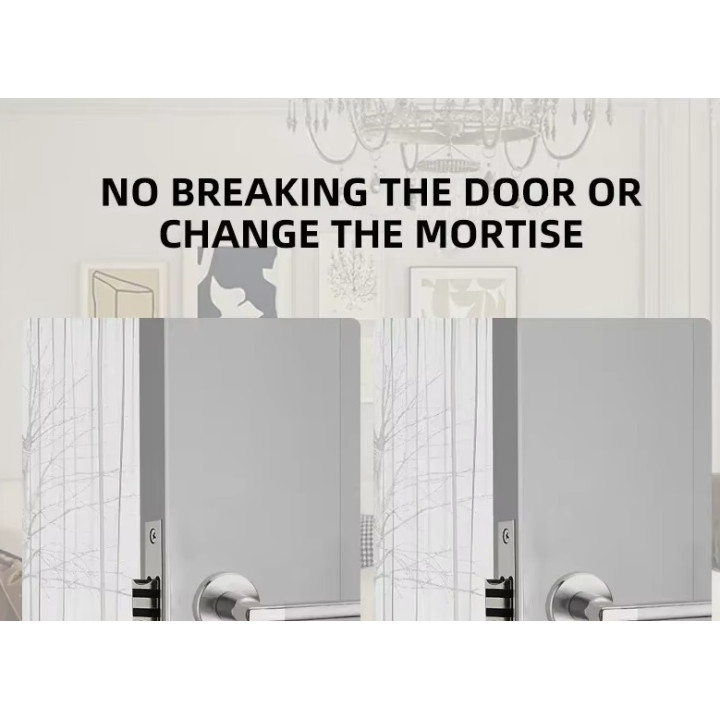
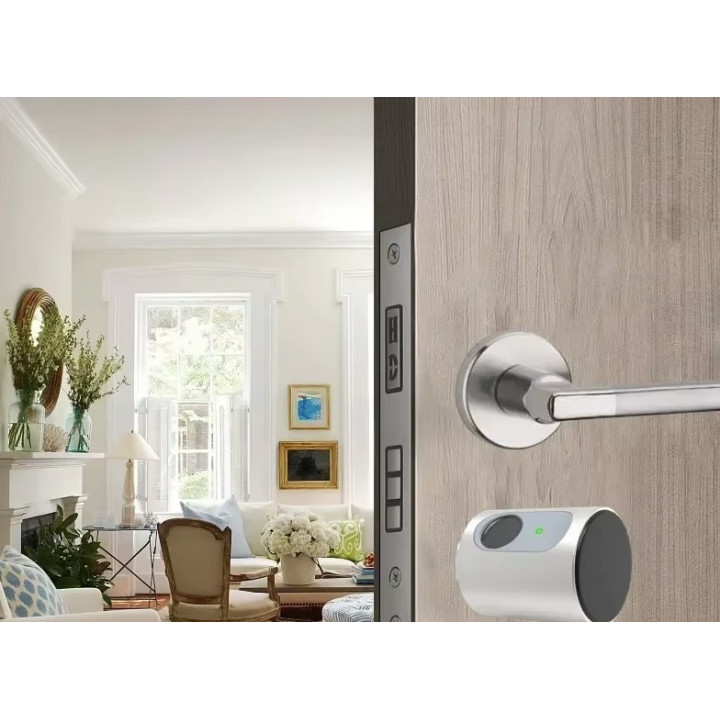
Only 3 minutes to install without breaking the door or changing the door body and no professional installer required;
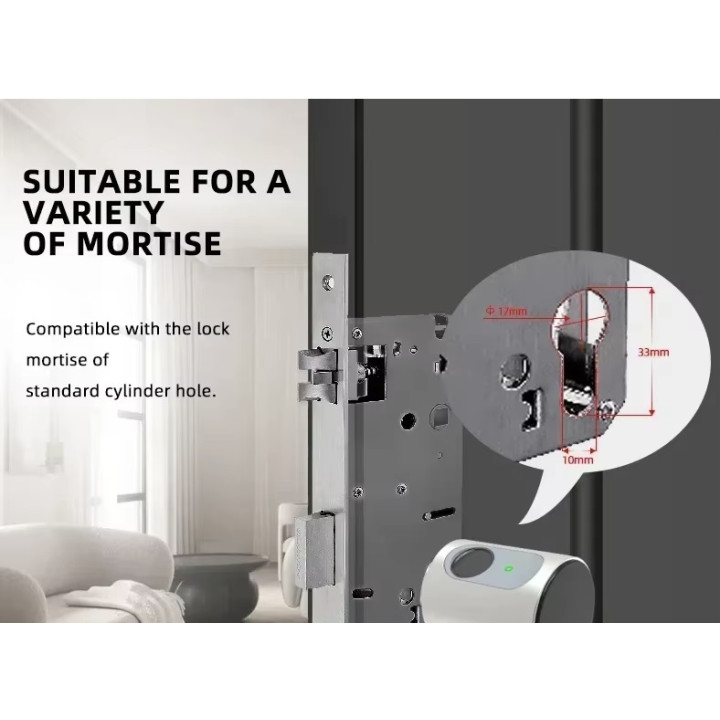
Suitable for most doors
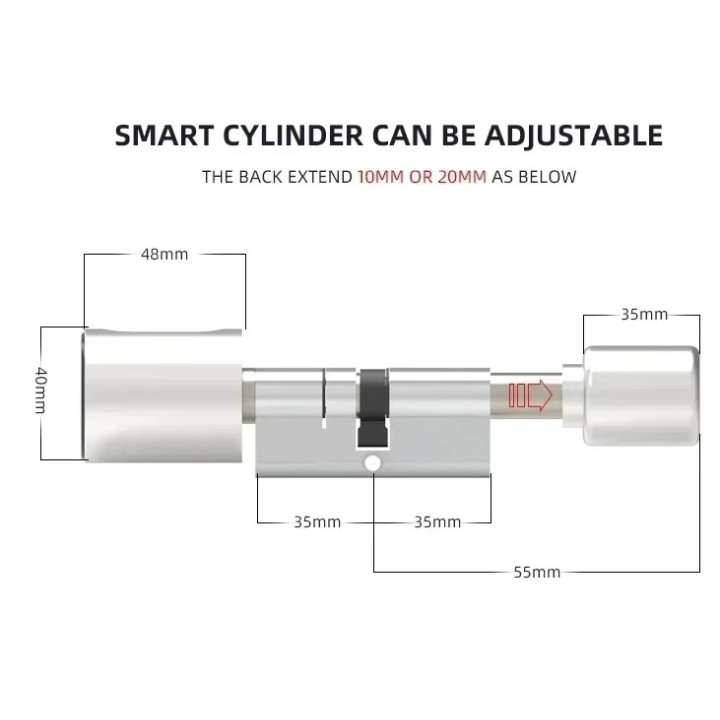
Adjustable length cylinder lock, 99% of the world's doors to compliance; easy replacement of the existing lock cylinder.
Technical Parameters
Working Voltage
AAA LRO3 1.5V * 3
Static Current ≤ 75μA
Unlock Ways
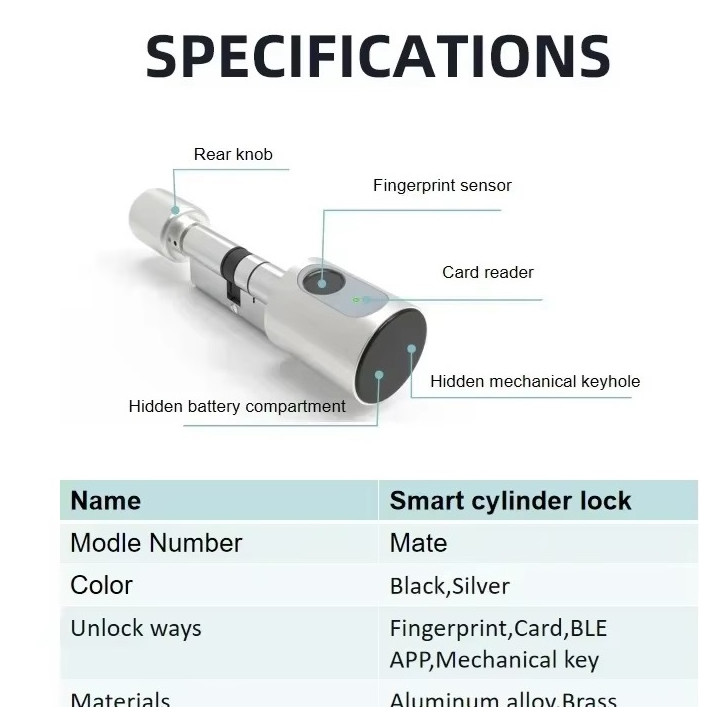
APP, Fingerprint (S1 Model Optional), Card,
Working Current <250mA (Strong Drive)
Fingerprint Capacity (S1 Model Only) ≤100
Card Capacity ≤50
Card Frequency 13.56Mhz (M1 IC Card) ≤50
FRR (False Rejection Rate) ≤0.15%
(False Acceptance Rate) ≤0.00004%
Working Temperature -10℃~60℃
Humidity 20%~93%
Everyone knows how to change a lock cylinder. Well, replacing a basic cylinder with a connected cylinder is the same. Just unscrew the screw that secures the cylinder, then remove the basic cylinder, then replace it with the smart cylinder, then replace the screw.
Depending on the thickness of your door, it will be necessary to add a piece of cylinder to extend it. Before replacing the cylinder, it is advisable to position your door half open so as not to be stuck outside your home in the event of an incorrect installation.
To add a cylinder extension, simply use the small key to remove the cylinder wheel. Then you can add the extension. Then simply place the connected cylinder in place of the old cylinder. Pay attention to the cylinder locking lug, which must be positioned without protruding from the cylinder. Then it is necessary to check that with the wheel reattached to the cylinder, you turn the cylinder and that the lug is opposite the lock. From the moment the lock closes and opens correctly using the wheel, you will have to test if it works with the code or a tag or with the fingerprint. If everything works, you can close the door but remember that another person remains inside the house until the installation is finished.
In the case where by turning the wheel the lock turns in the void, this means that the lug is not positioned in the right place on the lock. You will just have to remove the extension or add another longer one.
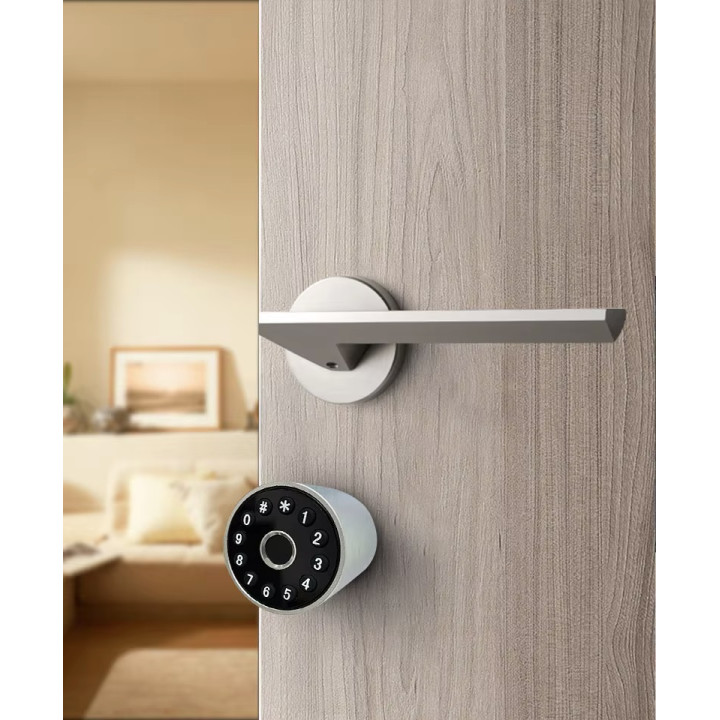
To turn on the Bluetooth in the connected lock, simply hold down # for 5 seconds.
To validate your code to type on the keyboard, simply press * for 1 second then type your code then validate by pressing #.
To use your tag, simply press * for 1 second then place your tag nearby to open your door.