
REF : ORPPH
Emplacement : R3A4

Security policy

Delivery policy

Terms of Sales
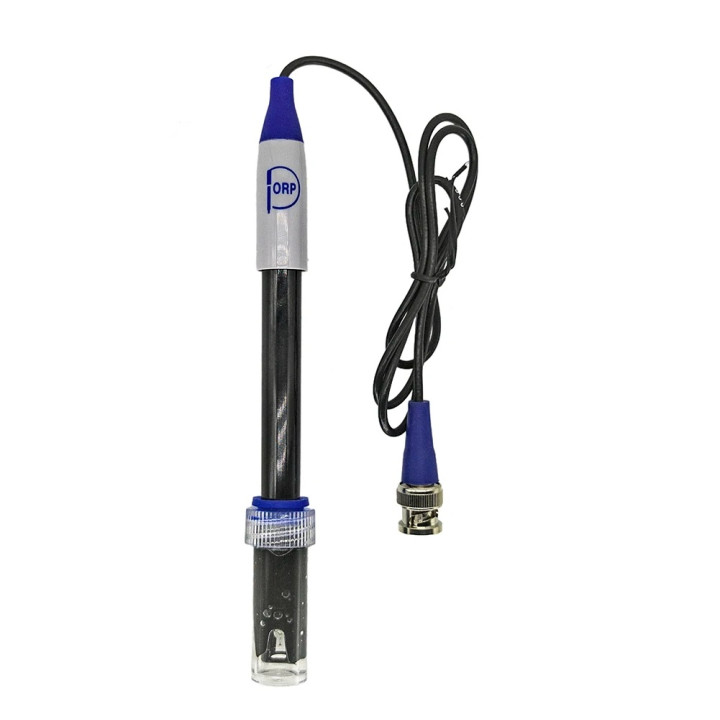
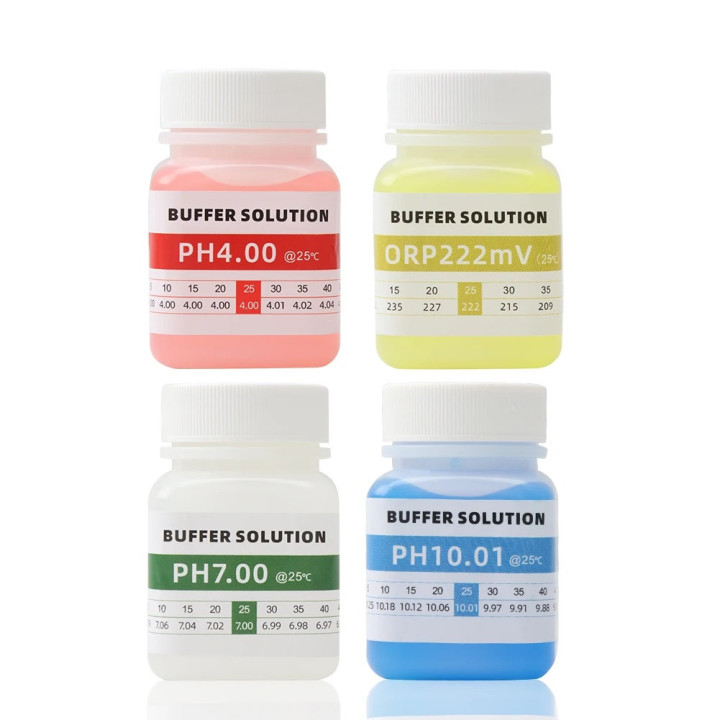
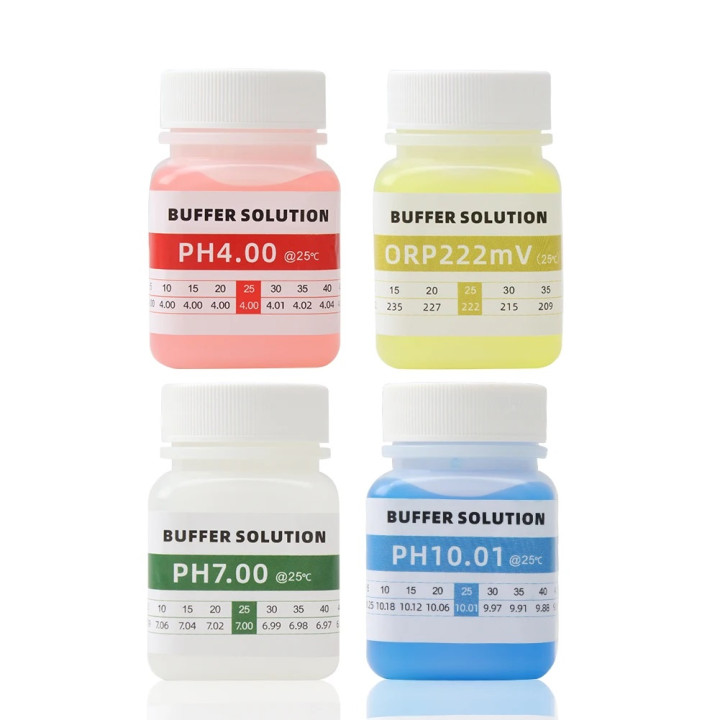
4 50ml ORP Tester of PH Meter Calibration Solution PH4 PH7 PH10 ORP221mv Calibration
PH meter calibration solution ORP tester, calibration solution
Description:
Calibration Solution for pH Meters, 50 ml is a solution of a known, fixed pH level that is used to calibrate pH meters. It can also be used to check the accuracy of pH meters.
The pH buffer should be used regularly to ensure that the pH meter readings are accurate, as an incorrect acidity level of the nutrient solution can prevent your plants from absorbing the nutrients they need. The pH meter requires at least a two-point calibration. For example, if you need to calibrate the pH reading on the meter, a pH 7 buffer and a pH 4 buffer are required.
Benefits:
1. Measurement accuracy;
2. Convenient plastic packaging with a wide neck and screw cap;
How to calibrate the pH meter:
1. Rinse the electrode with clean water and dry it. Turn on the pH meter and set the pH mode.
2. Immerse the electrode in the pH 7.00 buffer solution and wait for the reading to stabilize. Press and hold “CAL” button for 5 seconds, the screen will display “CAL” and pH 7.00 calibration is completed when pH 7.00 flashes 3 times.
3. Rinse the electrode with clean water and wipe dry.
4. Repeat the calibration steps above to calibrate pH 4.00 and pH 10.01.
How to calibrate the ORP meter:
1. Press the ON/OFF button to turn on the meter, remove the protective cap and rinse the probe with pure water and dry it.
2. Press “MODE/CAL” button to set ORP mode; the word "mV" will be displayed at the top right of the screen. Put the probe into the 222mV calibration solution and shake it gently.
3. Wait until the reading is stable, then long press "MODE/CAL" for 5 seconds and release; CAL is displayed on the screen, then a value will flash 3 times on the screen, when the value starts flashing, press "MODE/CAL" button (if the flashing value is over 222mV) or "HOLD/CAL" button TEMP" (if the flashing value is less than 222mV).
4. After adjusting the display value to 222mV, release the button, wait for the reading stop flashing, the calibration is completed, rinse the probe with water.
Storage:
Buffer solutions should be stored in a dark, cool place (not in the refrigerator and at temperatures not higher than 25°C) away from direct sunlight to avoid photochemical degradation. Additionally, buffer calibration solutions should be protected from carbon dioxide in the air and stored in tightly closed containers.